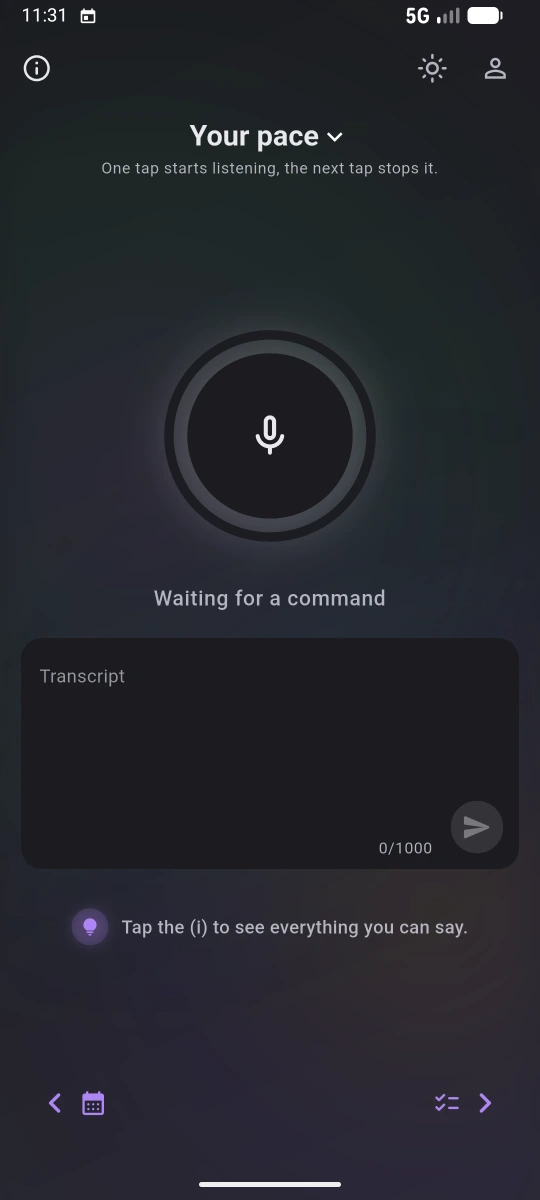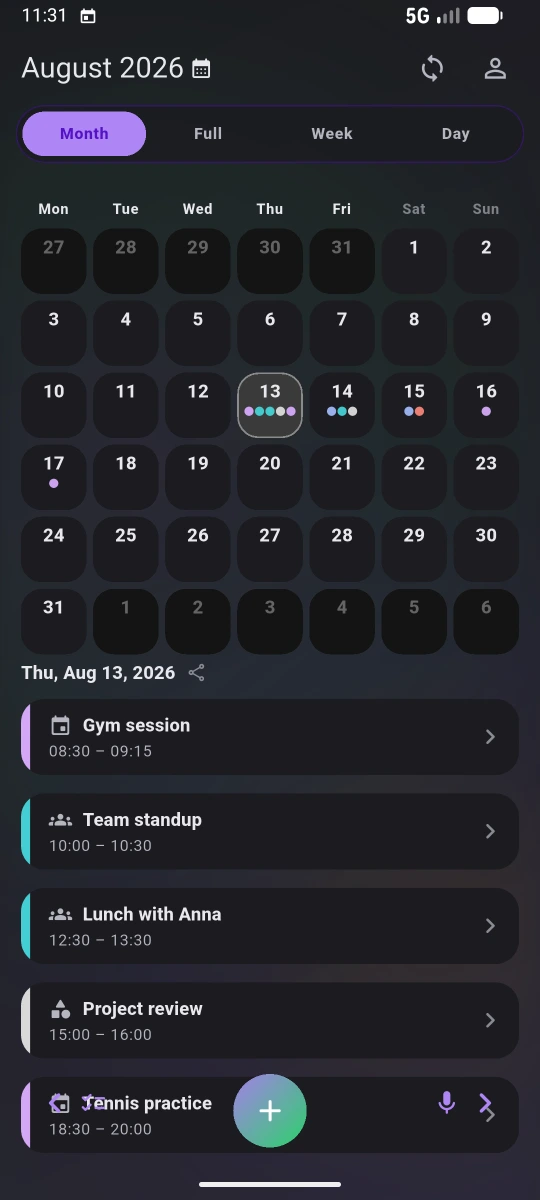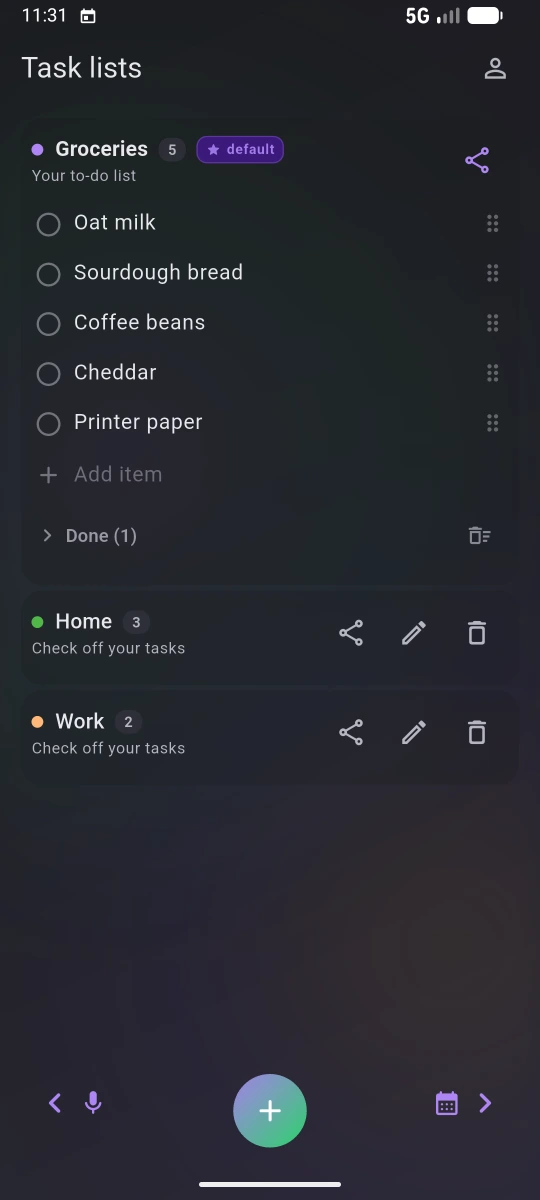
Voice Planner as it opens The microphone screen, waiting for a command Month view of the calendar A shared task list

Voice PlannerYour day,
spoken not typed.

Voice Planner is a calendar and task-list app for Android. Say “dentist on Thursday at nine” and the app fills in the title, day, time and reminder for you. If you allow it, entries sync both ways with Google Calendar and Google Tasks, so you see the same plan on your phone and in the browser.

A calendar and task lists for Android. Say “dentist on Thursday at nine” and the entry is ready. Two-way sync with Google Calendar and Google Tasks if you want it.

Send us the email you use on Google Play and we will add you to the testers.

Android
in testing
iOS
in preparation

Say it like you would to a person

Tap the circle and speak: “dentist on Tuesday at three”. Your words show up on screen as you talk, so you can see what the phone heard and fix a mistake before anything is saved.

Tap the circle and speak. Your words appear as you talk, so you can fix a mistake before saving.

Speech is recognised by Android’s built-in speech service. The app speaks 17 languages.

The whole month at a glance

A dot under a day means something is planned. Tap the day and its entries open below the grid. Switch between month, week and day views whenever you like. Moving an entry is one sentence too: “move the dentist to Thursday”.

A dot marks a busy day, and a tap shows what is on. Moving an entry is one sentence: “move the dentist to Thursday”.

Google sync is optional. Reminders, repeating entries and holidays work without it.

Things with no set time

“Buy milk” has no time, so it goes on a list instead of the calendar. You can keep several lists and share one with someone else. Ticked items move to Done, so you can still find them.

“Buy milk” has no time, so it goes on a list. Keep several lists and share one with someone else.

Lists follow your account to other devices. Google Tasks with a date also show up in the calendar.

How it started

A friend who forgot

I once waited twenty minutes outside a café for someone who never came. This app started there.

  1. He didn’t turn up

    We had arranged it on the phone a few days earlier. I got there on time and he didn’t. After twenty minutes I called him and it turned out he had forgotten. He hadn’t written it down anywhere.

  2. So I asked him why

    I was annoyed enough to ask why he never writes anything down. He said writing it down takes longer than the thing itself. Title, day, time, reminder, save. Nobody does all that while standing in a queue, so it never gets written down.

  3. Say it and let it land

    He said he would write things down if he could just say them and have them land somewhere. He meant it as a joke, but he had a point: people say their plans out loud anyway, so the phone only has to listen. I went home and started building this.

Commands

What you can say

Full sentences, like to a person. One sentence can do several things at once.

Movewhat to do tomorrow’swhen workoutwhich entry to ninenew time and add to the notes:second action bring a towelwhat to add

In the calendar Workouttomorrow9:00notes: bring a towel

Add

Events, repeats, several at once

  • One event“Dentist on Tuesday at three”
  • Repeating“Swimming every Monday at seven”
  • Several at once“Gym tomorrow at seven and cinema on Friday”
  • Free slot“Find an hour for Tom on Thursday”
  • After another“Coffee half an hour after the meeting”

Change

Move, add notes, delete, undo

  • Move“Move tomorrow’s workout to seven pm”
  • Whole day“Move everything from Monday to Tuesday”
  • Add a note“Add to the dentist: bring the X-ray”
  • Delete“Delete the meeting with Anna”
  • Undo“Undo”

Ask

What is on and when

  • Your day“What do I have on Friday?”
  • Find“When is my hairdresser?”

Lists

Things with no set time

  • Add items“Add milk, bread and coffee to shopping”
  • New list“A list for the trip: passport, charger”

Testing

Want to try it?

The app isn’t open to everyone on Google Play yet. Send us the email you use there and we will invite you to the test.

Android
in testing
iOS
in preparation
woznickiapps@gmail.com
Request access